
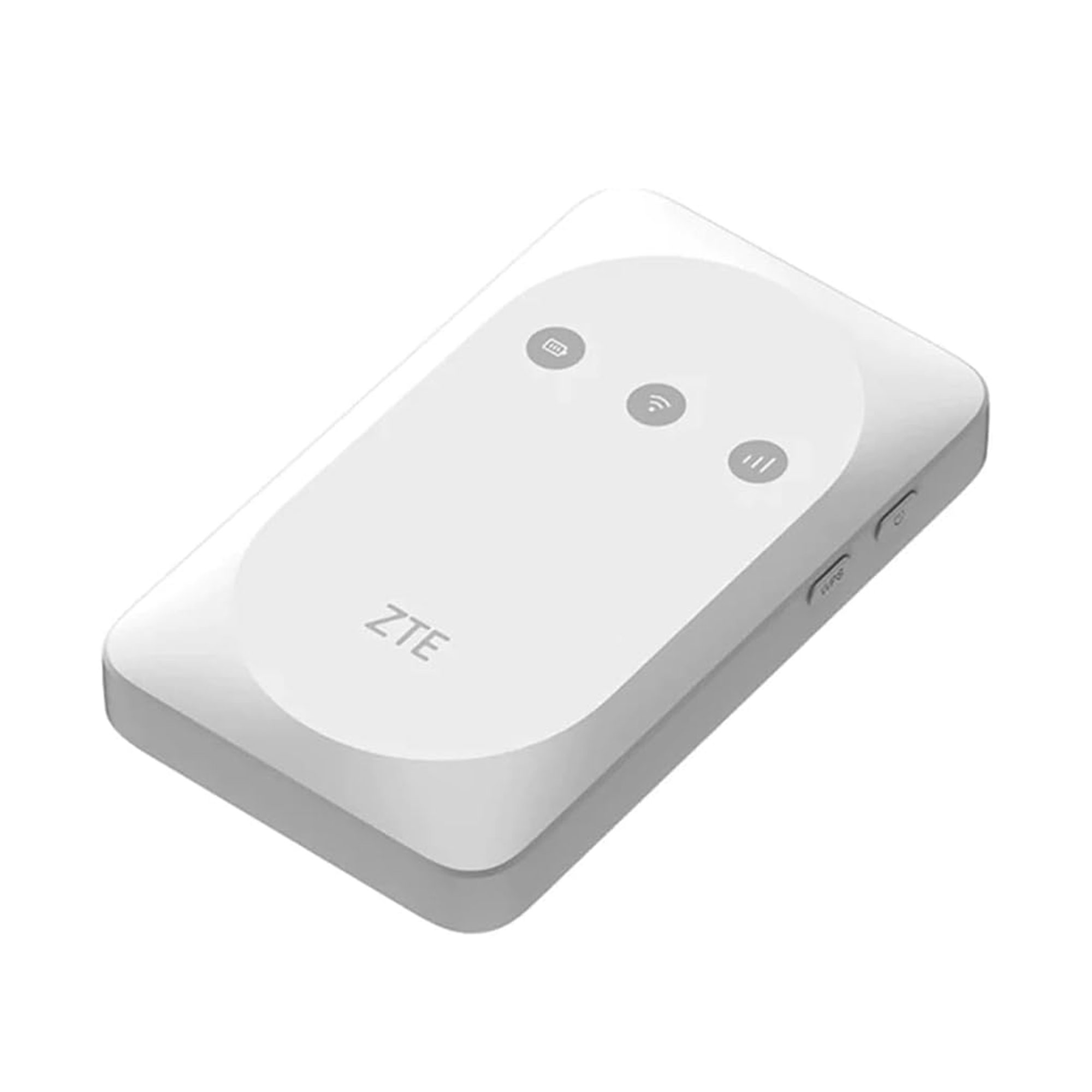
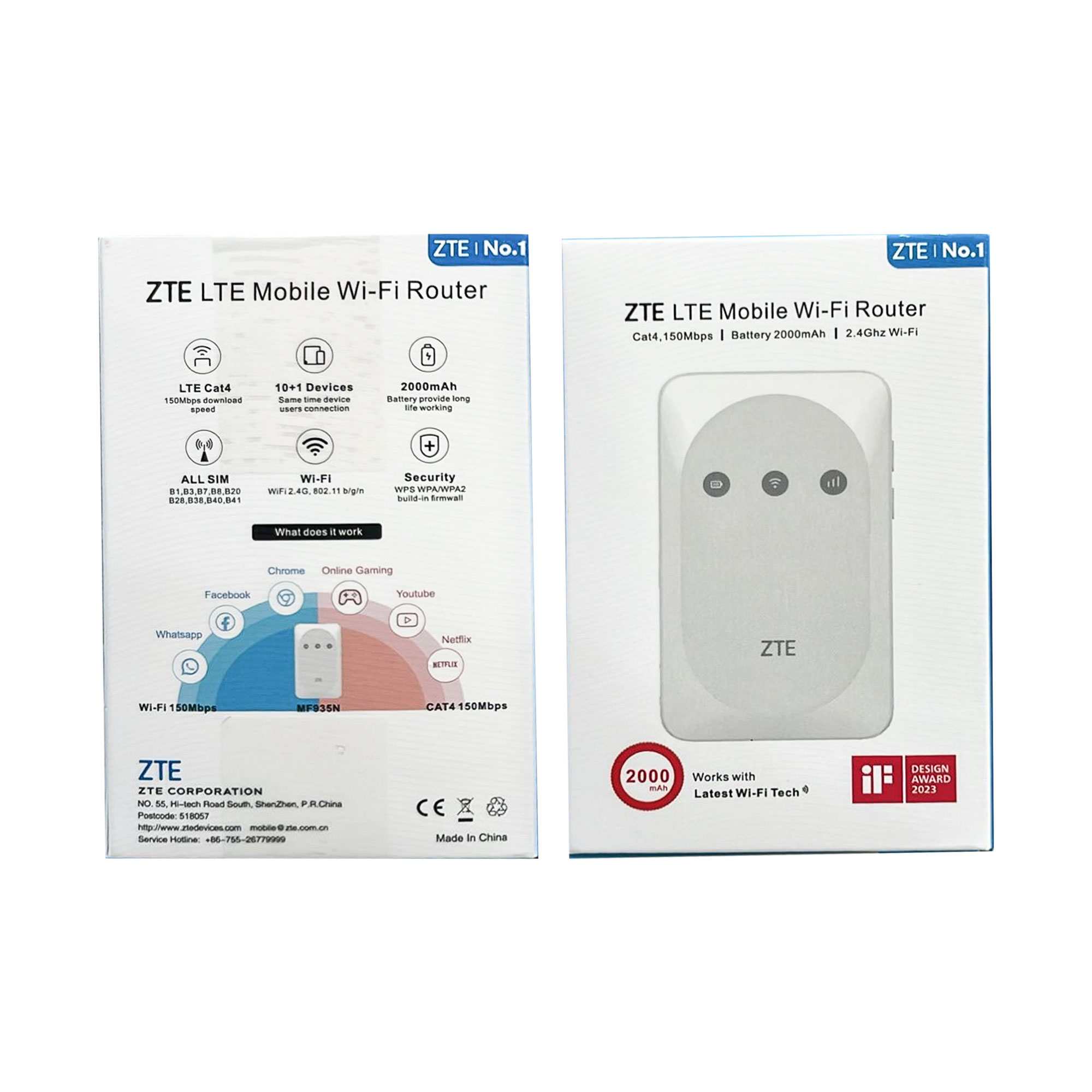
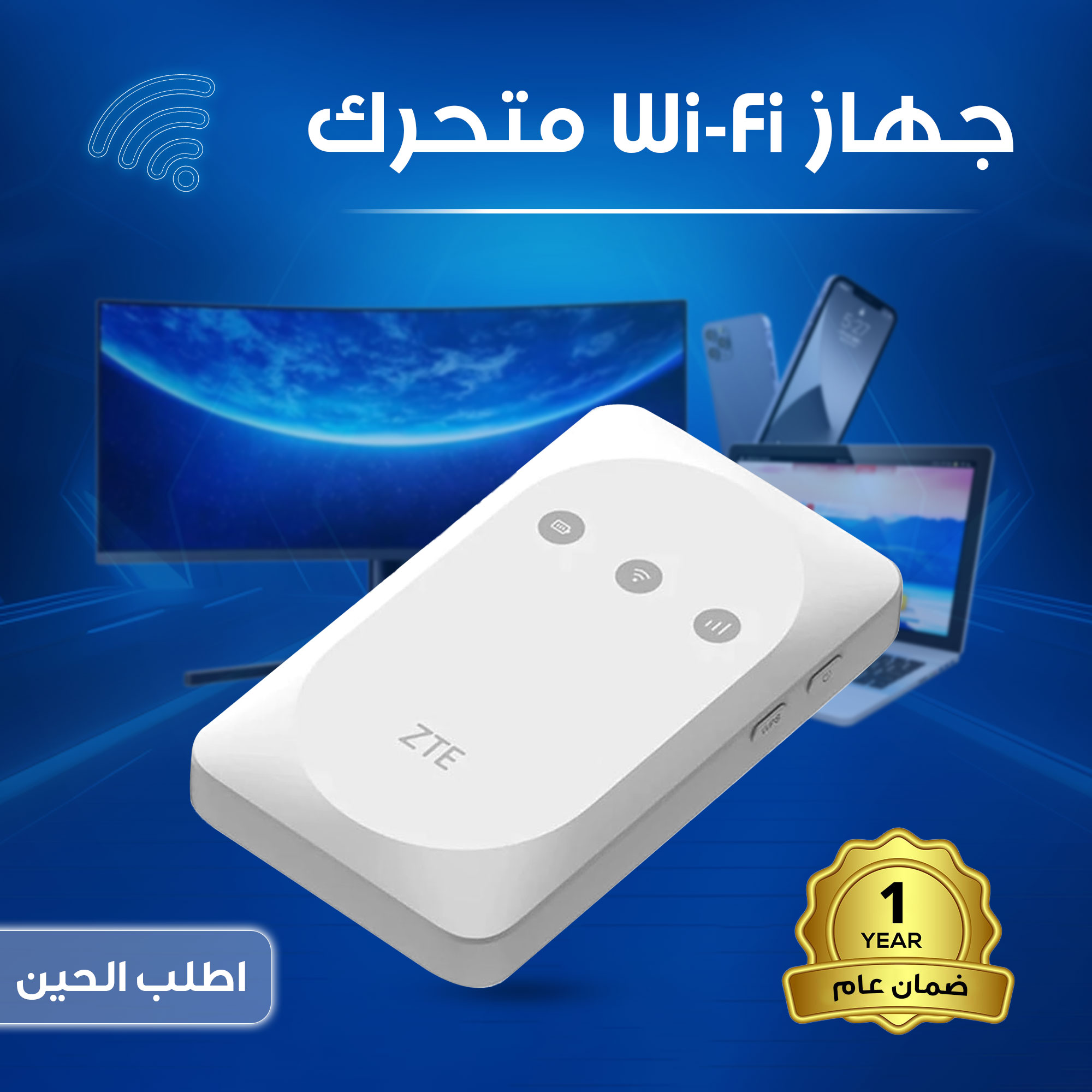
جهاز Wi-Fi متحرك
170 ر.س
المميزات:
سرعة تحميل توصل 150Mbps بدون تعليق أو تقطيع بالشبكة.
يدعم شريحة نانو، تركبها وتشتغل فورًا بدون إعدادات.
بطارية 2000mAh تدوم 7 ساعات استخدام متواصل.
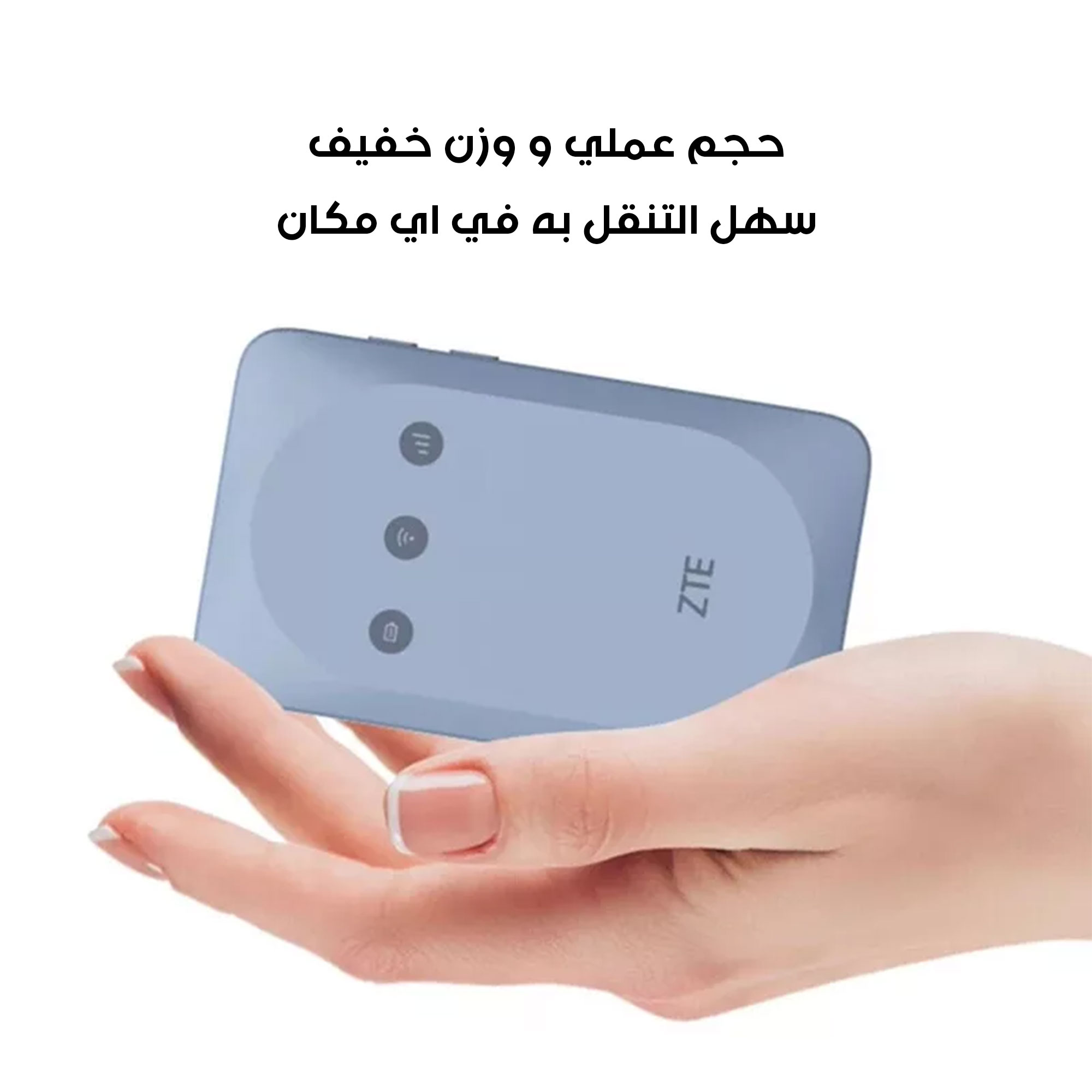
صغير الحجم، تحطه بالجيب أو شنطتك بكل سهولة.
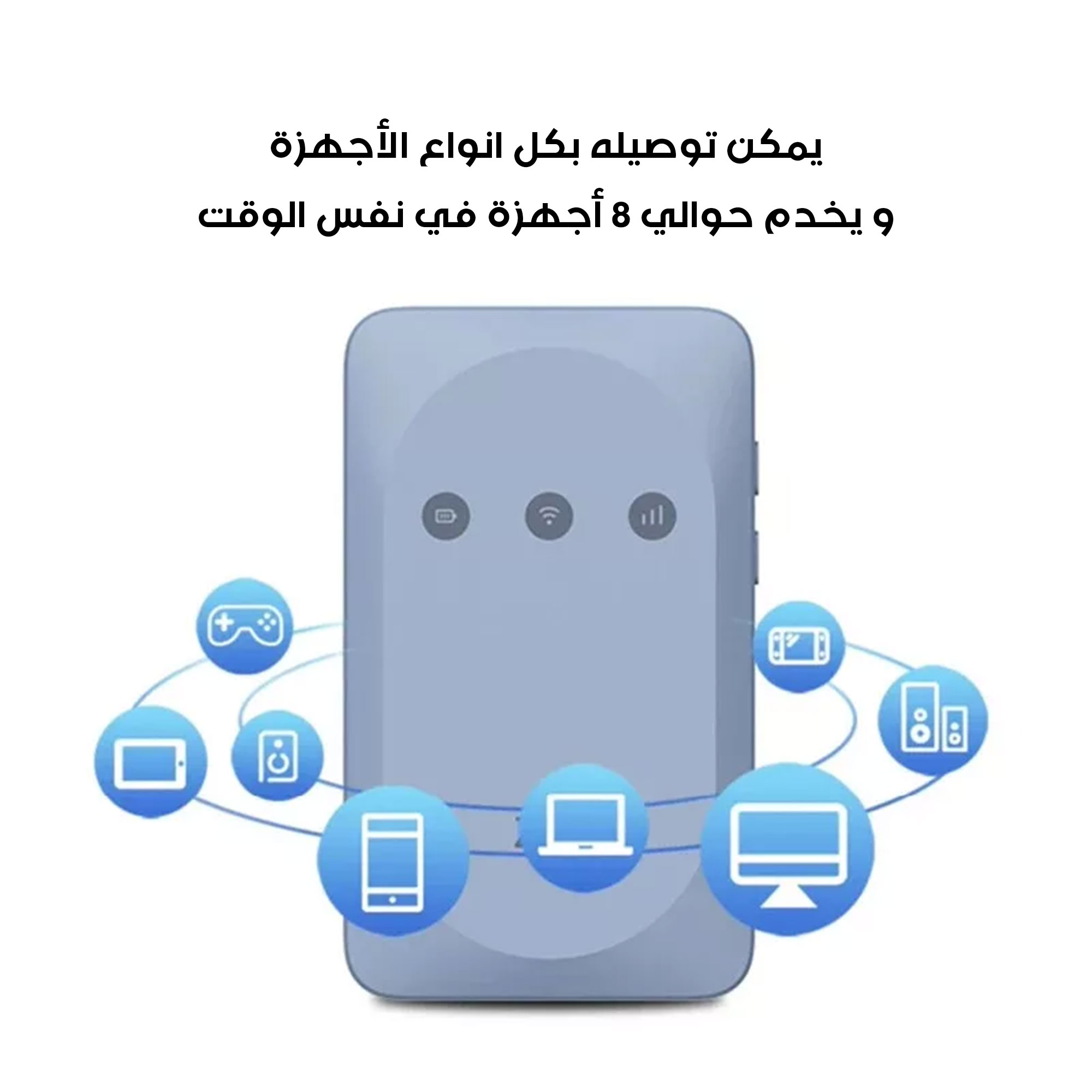
يشبك حتى 8 أجهزة بنفس الوقت بثبات ممتاز.
مناسب للبيت، المكتب، السيارة، وحتى السفر والكشتات.
تشغله بضغطة زر ويبدأ البث على طول.
متوافق مع جوالات، لابتوبات، تابلتات وأجهزة ألعاب.
شبكة قوية واتصال مستقر حتى بأماكن الإشارة الضعيفة.
تصميم بسيط وأنيق، عملي لكل استخدام.
ـــــــــــــــــــــــــــــــــــــــــــــــــــــــــــــــــــــــــــــــــــــــــــــــــــــــــــــــــــــــــــــــــــــــــــــــــــــــــــ
تفاصيل سريعة:
الماركة: ZTE
الضمان: عام
وكيل الضمان: دوزن
نوع المنتج: راوتر واي‑فاي متنقل 4G.
شبكات LTE: B1/3/7/8/20/28 + TDD B38/40/41.
شبكات 3G: B1/8، سرعة HSUPA 21/5.76.
الواي‑فاي: معيار 802.11b/g/n @2.4 GHz.
واجهة: منفذ نانو SIM، مدخل Micro USB.
البطارية: 2000mAh قابلة للفك.
الأزرار: تشغيل، WPS، ريست.
أبعاد: 100×60×16 ملـم.
ـــــــــــــــــــــــــــــــــــــــــــــــــــــــــــــــــــــــــــــــــــــــــــــــــــــــــــــــــــــــــــــــــــــــــــــــــــــــــــ
محتويات العبوة:
1 x جهاز ZTE MF935 (راوتر).
1 x بطارية 2000mAh مثبتة.
1 x كابل Micro USB للشحن.
1 x دليل مستخدم وكتيب الضمان.
ـــــــــــــــــــــــــــــــــــــــــــــــــــــــــــــــــــــــــــــــــــــــــــــــــــــــــــــــــــــــــــــــــــــــــــــــــــــــــــ
كيفية الاستخدام:
فك الراوتر وشبّك البطارية.
ادخل شريحة نانو SIM بالمكان المخصص.
شبّك الكابل بالشاحن أو كمبيوتر.
ضغط زر الطاقة لتشغيل الجهاز.
شبّك واي‑فاي من جوالك أو لابتوب.
استخدم كلمة السر اللي على ظهر الراوتر.
لتوصيل أسرع، اضغط زر WPS.
افتح صفحة 192.168.0.1 لتعديل الإعدادات.
تقدر تستخدم SMS أو USSD لمتابعة الاستهلاك.
اضغط “ريست” لو تبغى ترجع الإعدادات الافتراضية.
منتجات ذات صله





غير متوفر في المخزون
 جهاز Wi-Fi متحرك
170 ر.س
التقييمات
لا توجد تقييمات بعد.